Annual
- 52 Smart Storage spaces, Clear Glass PDF office included
- Unlimited exports
- Prepaid once for 365 days
- One payment, no automatic renewal
Finally, a storage with some common sense.
Oasis Smart Storage
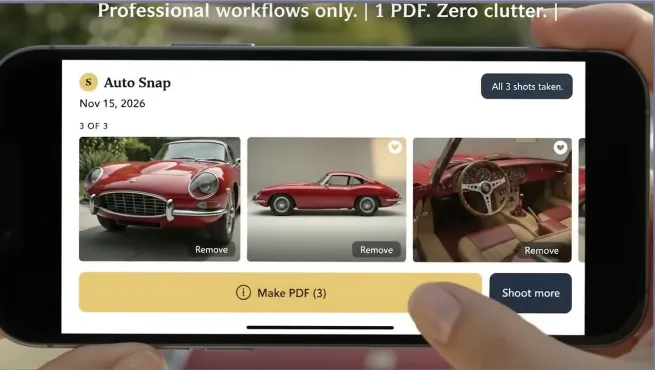
 button, snap your shots, and quickly compile a clean PDF.

Annual
Finally, a storage with some common sense.
Monthly
30-day trial
More info
Features and terms
Smart Storage plus the Clear Glass PDF office bonus.
Pencil, highlighter, Oasis Cloud Cover, eraser, Wing Pro text notes, Cut Pro, undo and redo, background colours, Oasis Swipe, image insertion and signatures. Images have corner resizing and front/back layering. Marks stay on the glass rather than changing your original PDF.
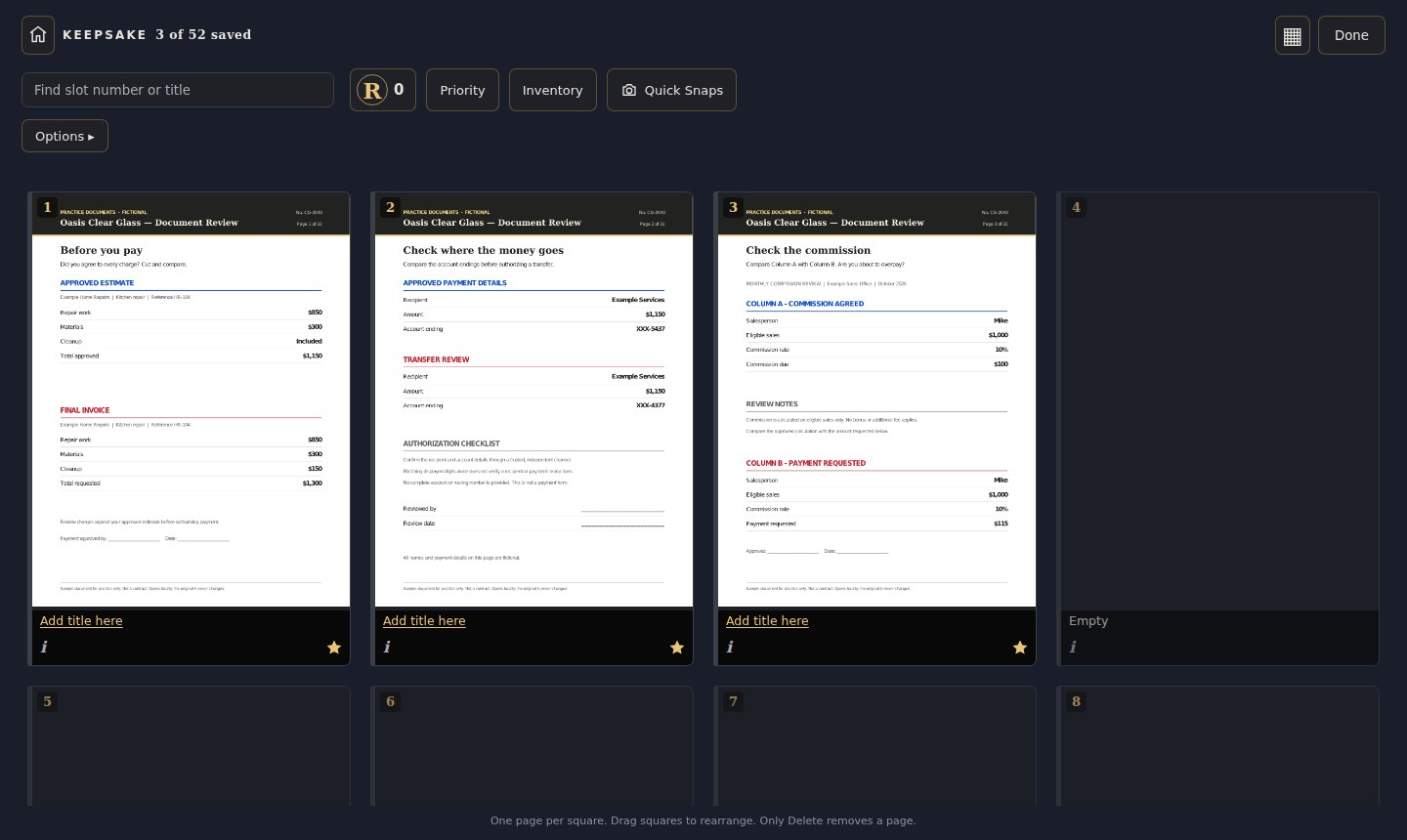
Keepsake: 52 spaces. Save page views and pictures, add titles, mark priorities, check information and reminders, and use Quick Snaps for photos or short videos. Download important items for backup. Documents and Keepsakes stay in this browser; they do not automatically sync to other devices.
On laptops, desktop computers and tablets: Oasis Perfect Fit provides precise 0.01-percentage-point sizing and saved views. My Office is your command center: organise tool columns with the coloured dots, work with one tool at a time, and find its options below the gold line. Ghost Protocol provides a visual privacy cover. The phone workspace keeps its simpler existing layout.
Your free trial is tied to your account. Sign in on another browser to continue the same trial. Documents, marks and Keepsakes stay on the device where you created them.
Buying takes you to secure checkout; if you are not signed in yet, you create an account or sign in first so your purchase is tied to your email. On another browser or device, sign in with the same email to restore your access.
When your access ends, it simply stops. You will not be charged again; buy again only if you want to.
Oasis Smart Storage · $19.99 / year
For contractors, notaries and professionals: capture the photo, the one-minute video or the scanned PDF you will need again, and keep it in one of 52 spaces. Name it, mark a priority, set a review date. The full Clear Glass PDF office is included at no extra cost.
$19.99/year Smart Storage annual access — prepaid for 365 days, no automatic renewal. Clear Glass suite included.
Start with a free account: explore every PDF tool and get three file downloads or shares. Saving to Keepsake does not use a download. Choose the 30-day trial for unlimited downloads, or paid access when you are ready.
Keep the one thing you will need again.
Tap S, choose Camera, Video or Documents, and save what matters into your 52 Keepsake spaces.
In the founder’s own test, opening Smart Storage, choosing an existing photo or document and saving or sending it took under 10 seconds. Your time may vary.
Uses the same 52 local spaces and saves only when you press Save. No cloud copy, no lock. Send is available on the same terms as the rest of your pass.
Tap the yellow button, choose Camera, then Auto Snap. Take your pictures, make one PDF, and save the set in one Keepsake space.
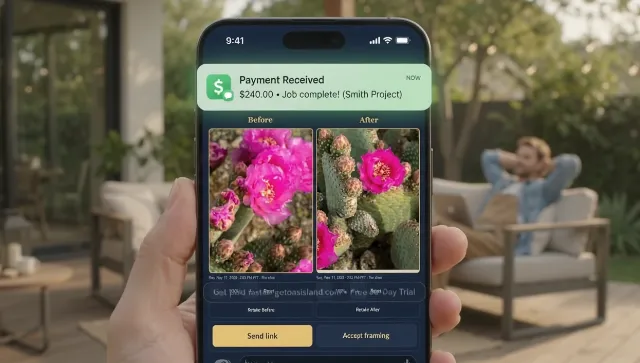
Choose Oasis Side by Side under Camera to compare two pictures. Turn on Before & After to show the earlier picture on the left and the later one on the right. Add dates if you want, then review and save.
Included bonus · Clear Glass PDF office
Underneath: your PDF, opened in this browser on this device. It is read, not rewritten.
On the glass: Oasis Cloud Cover, pencil, highlighter, text notes. Clear one mark or all of them and the page underneath is exactly as it was.
Your PDF stays in your browser while you work. Covers hide content on screen while leaving the original PDF intact. For permanently removing sensitive information, use a dedicated redaction tool.
Product manual · Included with your access
Every mark below sits on a clear layer above your PDF. Clear it, and the document underneath is byte-for-byte what you opened.
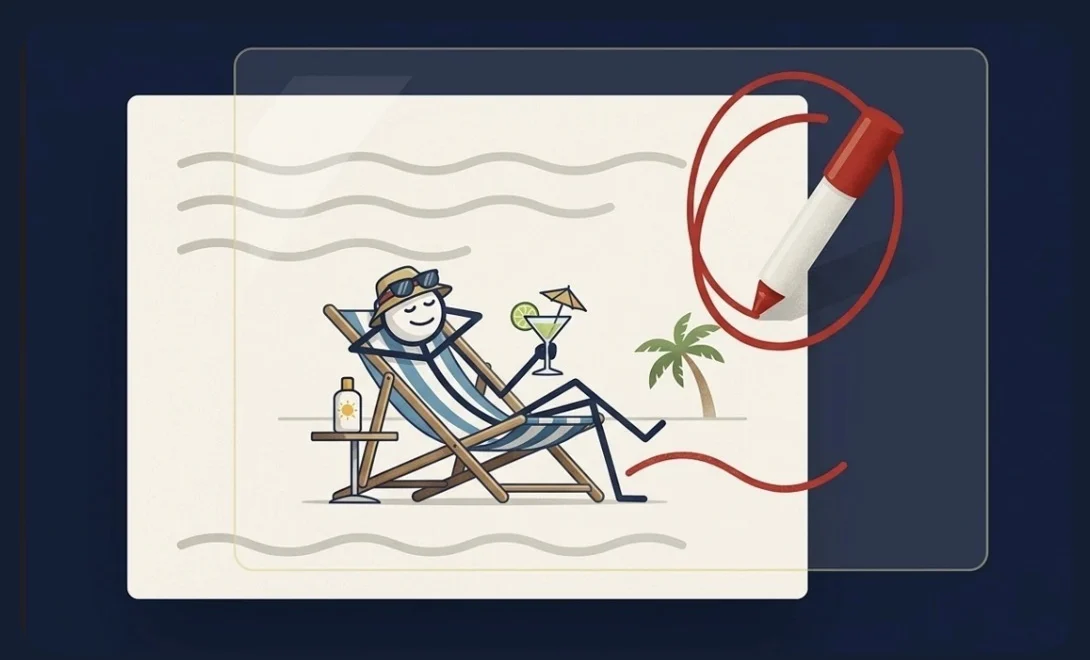
Cover only what you need, then reveal it.
Choose Rectangle, One line or Lightning and place a reversible block over an answer, a figure or a single line. Reveal a math step or isolate a clause—no white-out, no retyping.
A cover hides what is on screen. It is not redaction: the information is still in the PDF.
Up to 52 spaces, held beside the live document.
Stop searching through hundreds of files for the one you need. Keepsake Smart Storage gives you 52 spaces for important documents, phone photos and videos up to one minute. Give each item a name, note why you saved it, mark it as a priority and set a date to review it. When you return to Keepsake, see what needs your attention—and decide what to keep or delete. Less clutter. Less searching. More control over what matters.
52spaces in this browser for photos, videos and documents. You choose what to save.
Your Keepsakes stay on this device rather than in the cloud. Reminders greet you when you return to the same browser, rather than sending phone notifications. You choose what to delete. Download copies of important items and use your device’s passcode for protection.
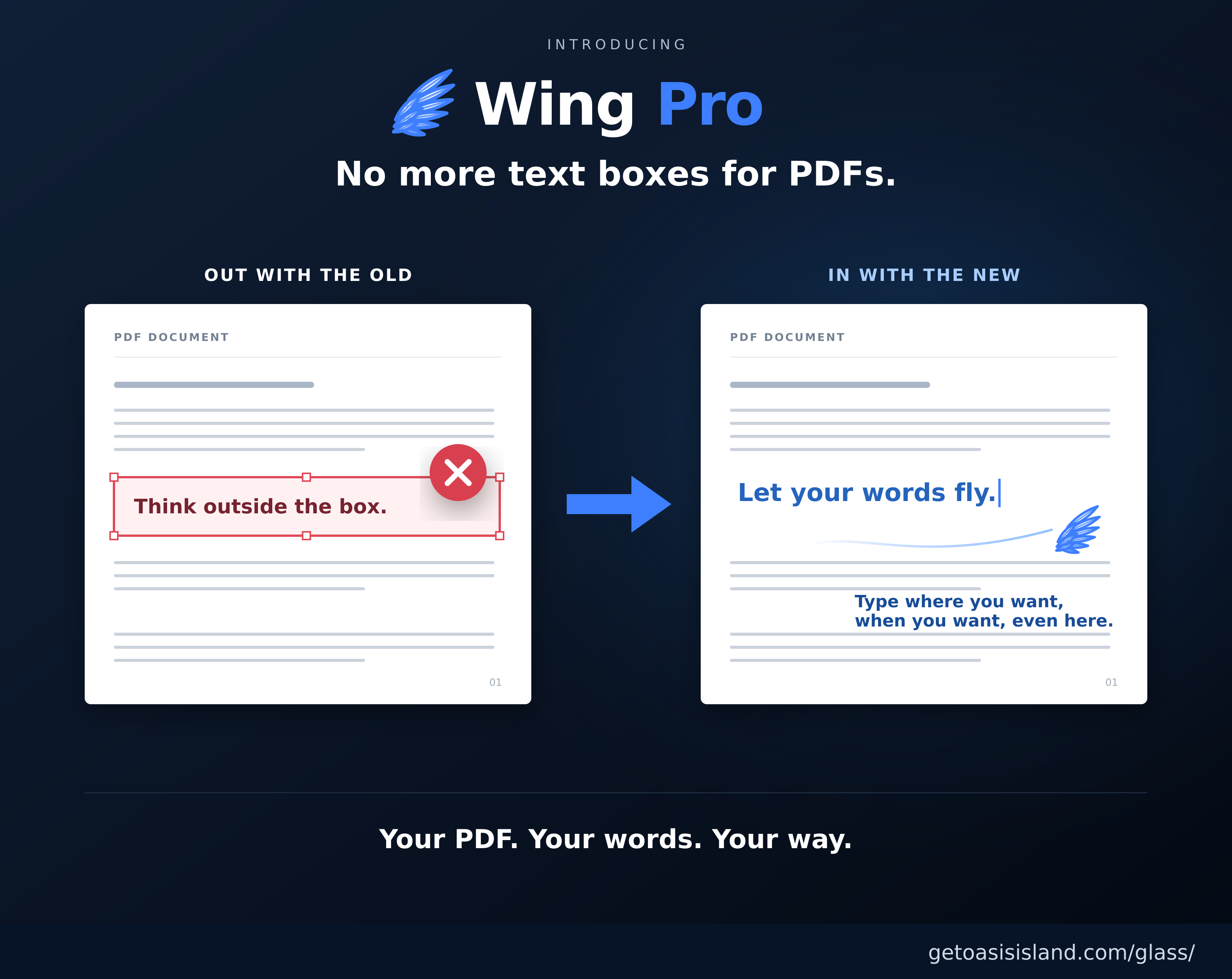
Type where the thought lands.
Click on the page and write—a margin note, a question beside a figure, a reply under a clause. No box to draw first.
Notes live on the glass layer, not inside the PDF. They are not form fills, tracked changes or signatures.
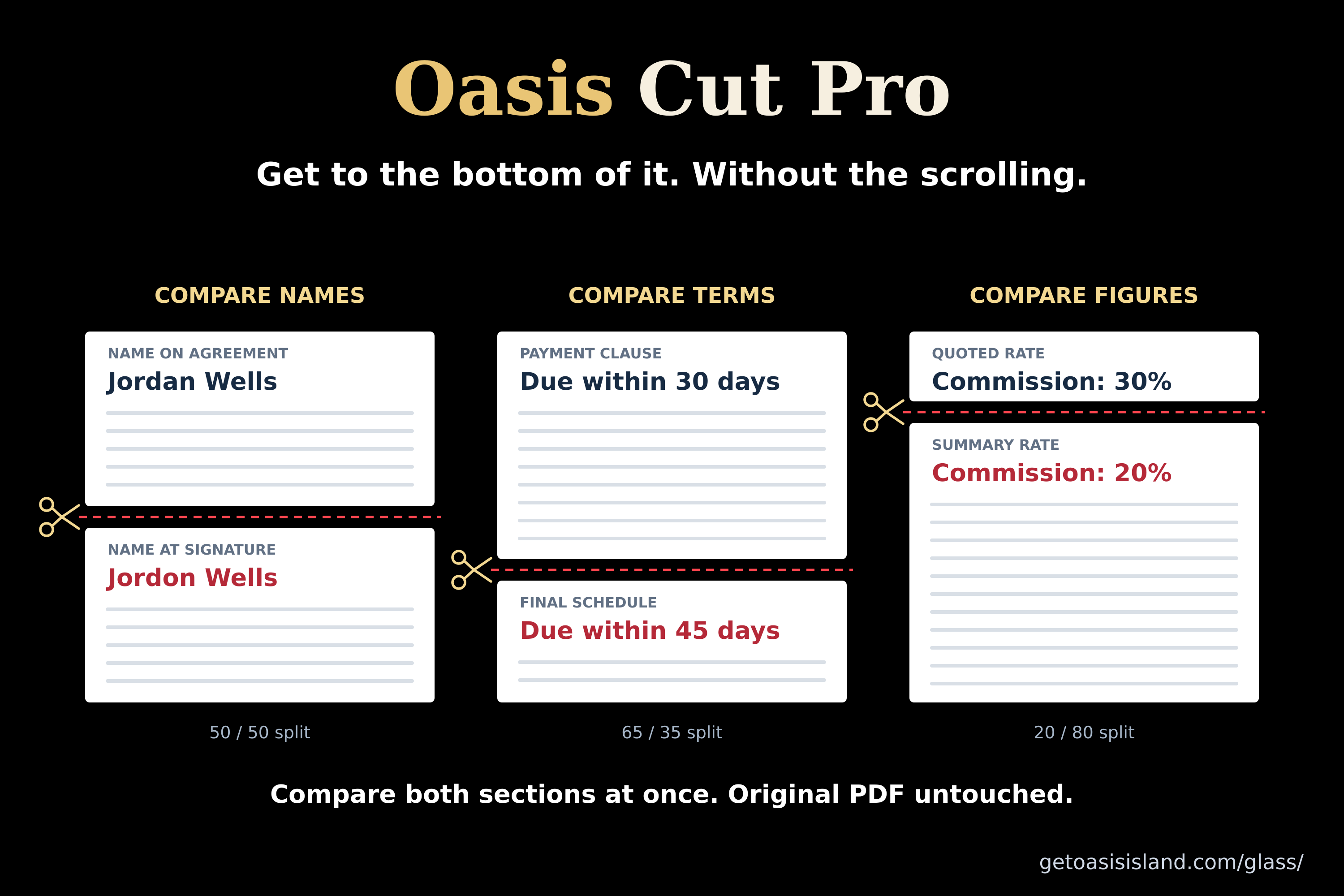
Cut your time in half.
Split one page into top and bottom views, side by side. Compare a quoted rate with the totals below it, zoom each side independently, and save either section to Keepsake.
Keep both views together while you check the details yourself. Time saved varies with the task.
Keep your work out of sight.
One click lowers a full-screen shutter over your workspace; your All Clear spot or override key brings it back exactly as you left it.
Screen privacy only. It does not lock, sign out or encrypt anything. Available on the business Glass desk.

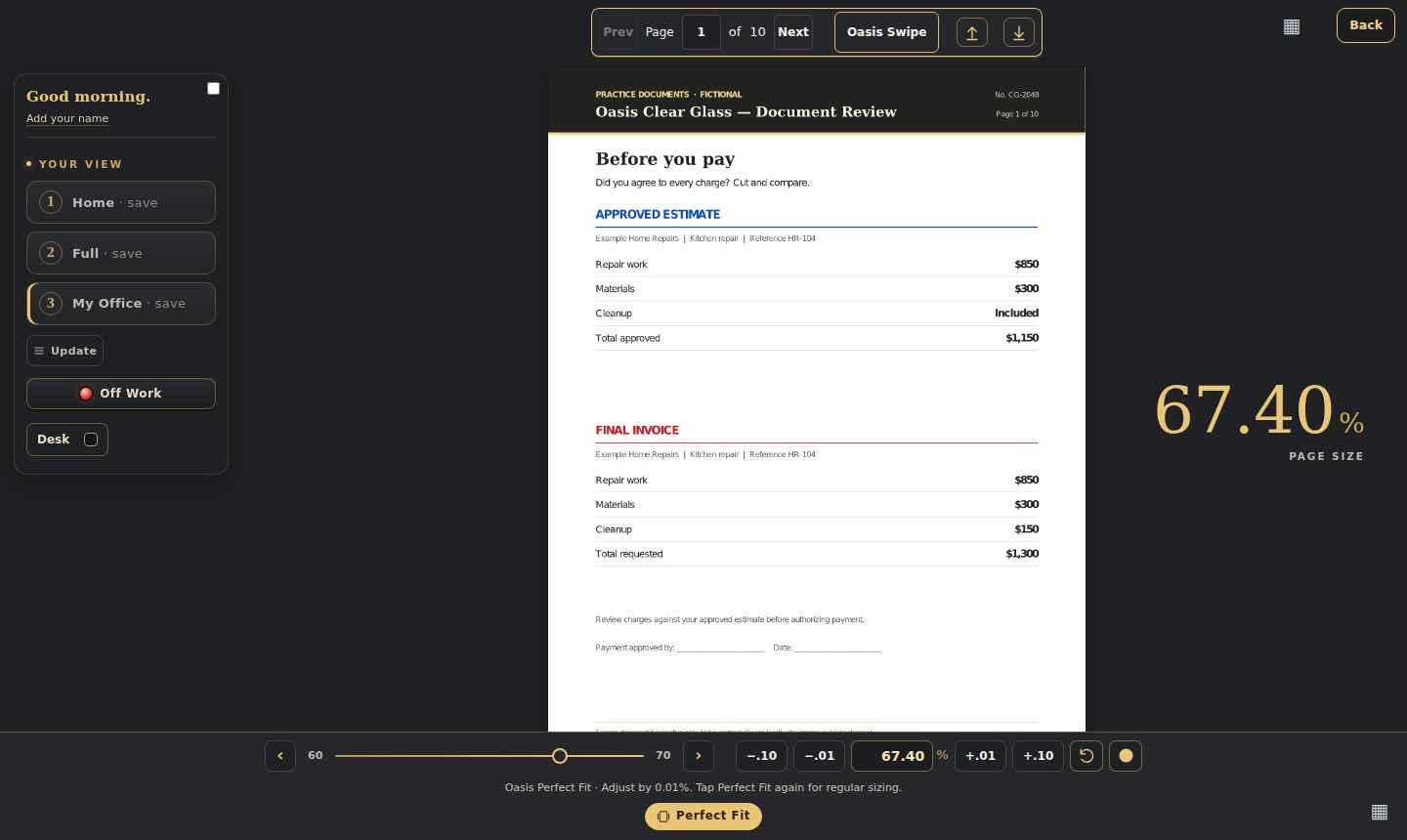
The page, at your size.
Set exactly how large the page appears: slider for broad moves, .01 and .10 steps, or type an exact size such as 67.40%. Home, Full and My Office each keep their own size.
Changes the display only; the PDF is not resized or re-saved. Laptops, desktops and tablets.
Start work where the work is.
Press Start Work and keep Priority, Reminders, Keepsake photos and videos, Open PDF and Desk one click from the document you are reviewing.
Desktop computers and tablets, not phones. Stays in this browser on this device; not a shared team account and no sync.
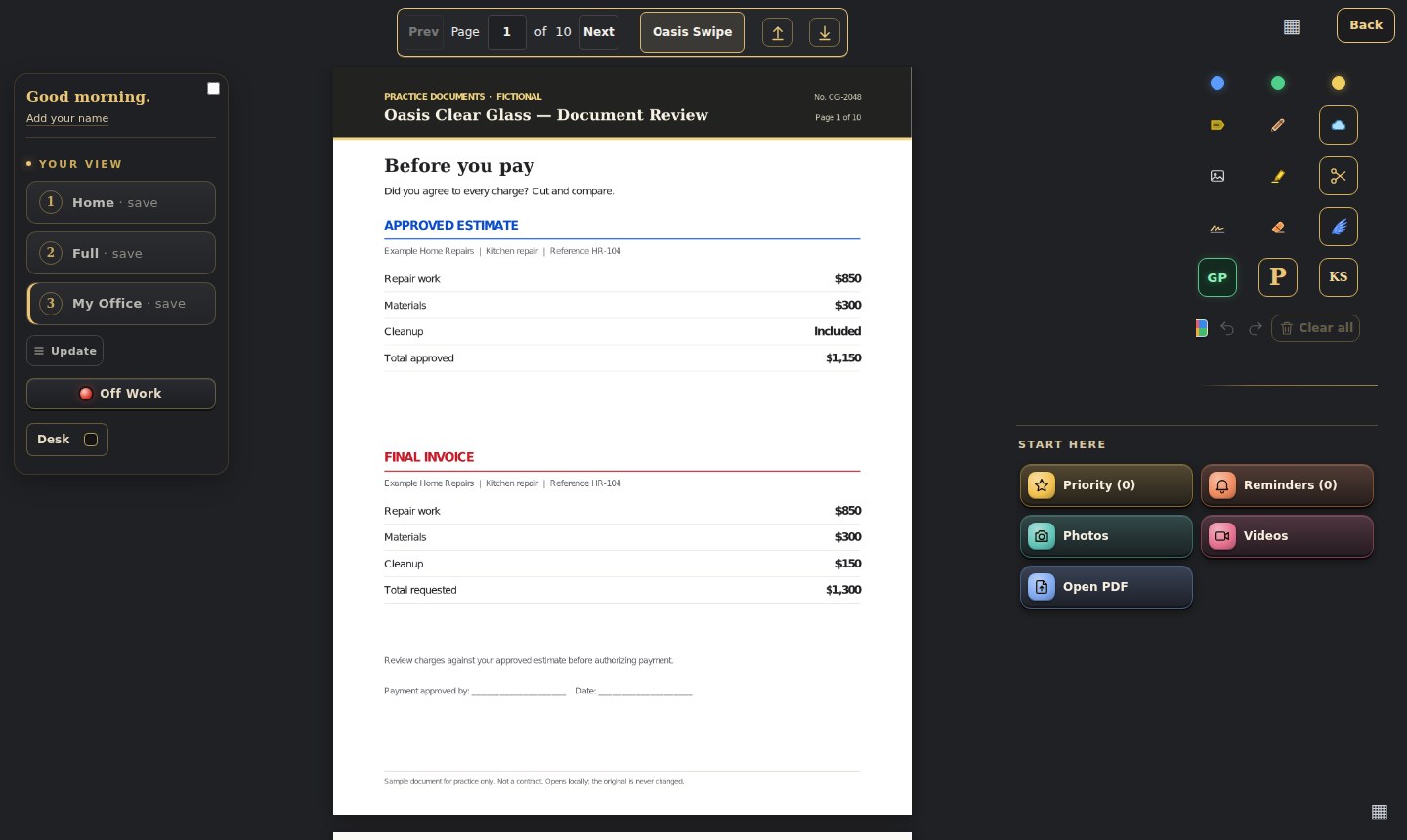
Cover the answers on a worksheet and reveal steps one at a time. Isolate a single verse of a poem without retyping it. Snap the marked page to Keepsake for later.
Bring the room to the clause that needs a decision. Circle obligations, highlight payment terms and capture the marked pages for follow-up without rewriting the received PDF.
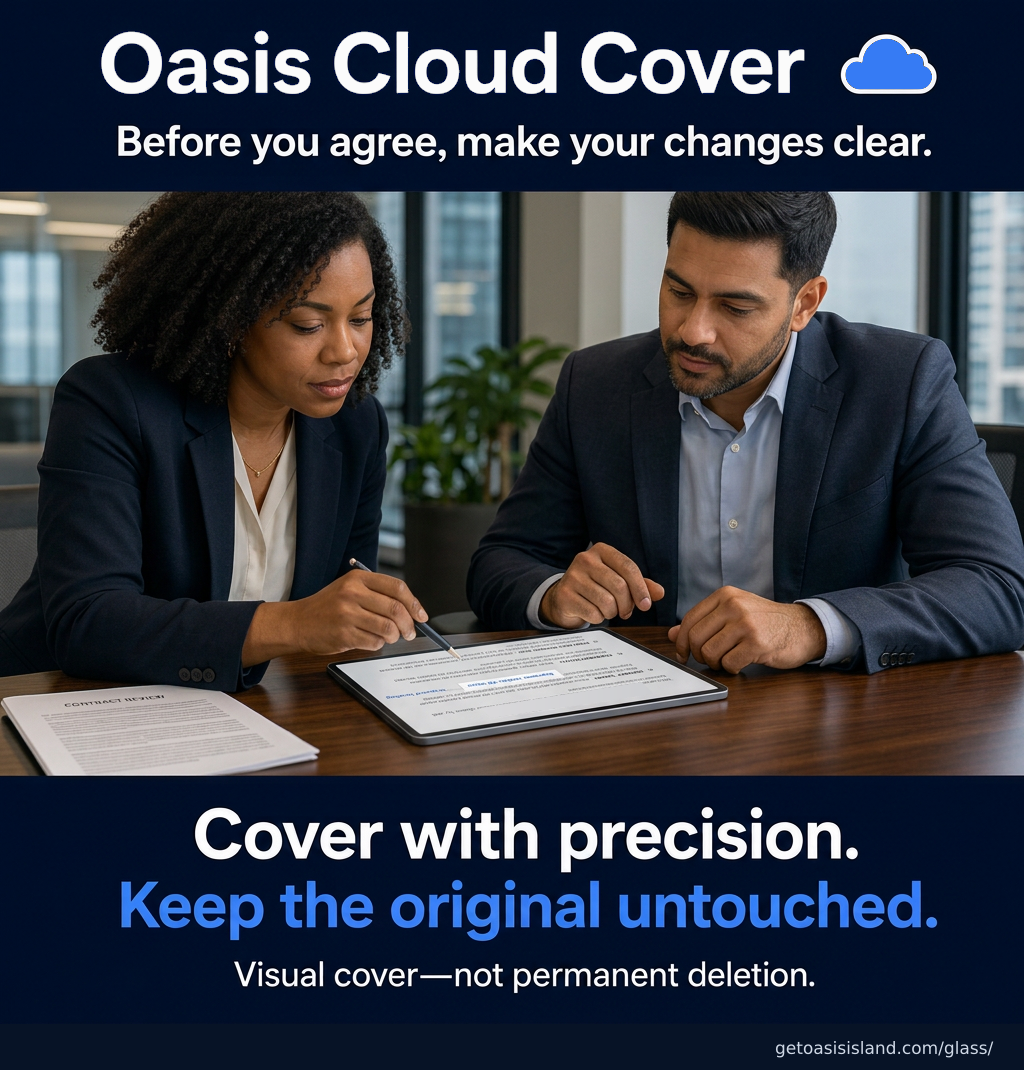
Review clauses in red on a separate visual layer while preserving the source file. These are visual annotations, not tracked changes. Cloud covers are not secure redaction.
Explore contract review →Point to a passage of a printed guideline or training handout during instruction. Not intended for handling protected patient records.
Mark up important documents without changing the original.
Test calculations, review drafts, and mark up PDF copies of passports, certificates, deeds, tax packets, or official government forms without writing on the original. Every note and stroke stays on the glass—clear it in one tap and your original master file remains completely untouched.
Focused review for complex negotiations
Before you sign, ask for the Clear Glass version.
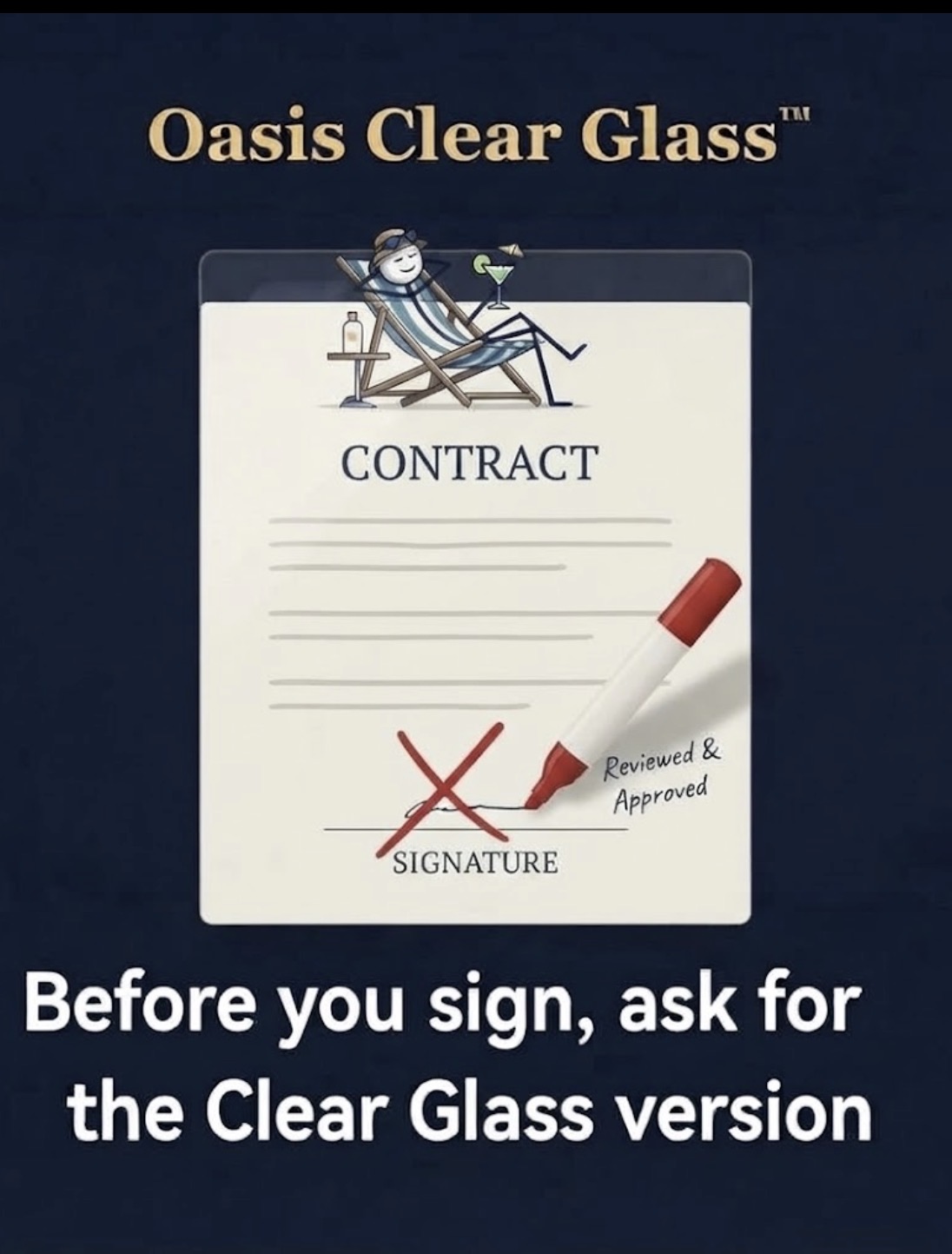
For enterprise attorneys, music publishers, sports agents and executives: put the clause at the center of the discussion. Review licensing terms, representation agreements and corporate transactions on a separate visual layer—without rewriting the source PDF.
Contract_v1_final. Contract_v2_really_final. Another review copy, another round of checking which file is current—and the risk of overwriting the master.
Keep discussion marks off the original. Clear Glass reads your PDF without rewriting it, so circling a clause does not require saving another edited PDF. Keep your approved version-control and document-management process for formal revisions.
Choose the red Pencil for editorial markup. Circle a disputed clause, underline a deadline or add a review note. The marks sit on the glass, not in the contract.
For precision work, use Lightning’s custom beam on a laptop or tablet to temporarily cover a section during discussion. Undo or Eraser lifts the cover; the source text remains intact.
Suppose a 150-page agreement needs discussion on pages 17, 18 and 119. Capture each marked page with Oasis Snap, keep it in the 52-space Keepsake tray, and save the selected snapshots as PNG images for follow-up.
Send the relevant page images instead of another full marked-up review copy. Snapshots are visual references, not an editable contract, authenticated evidence or a substitute for the complete agreement. Check each saved image before sharing.
Checking this browser…
On another device, sign in with the same email.
Most people only need to sign in. If you saved a recovery key file from an earlier purchase, you can paste it here instead. Documents and Keepsakes stay on their original device; use downloaded copies to bring them with you.
Oasis Clear Glass™
Need a hand? Email us at hello@getoasis.com.
Finally, a PDF with some common sense.